Is there an app that reads school emails and tells me what I need to do?
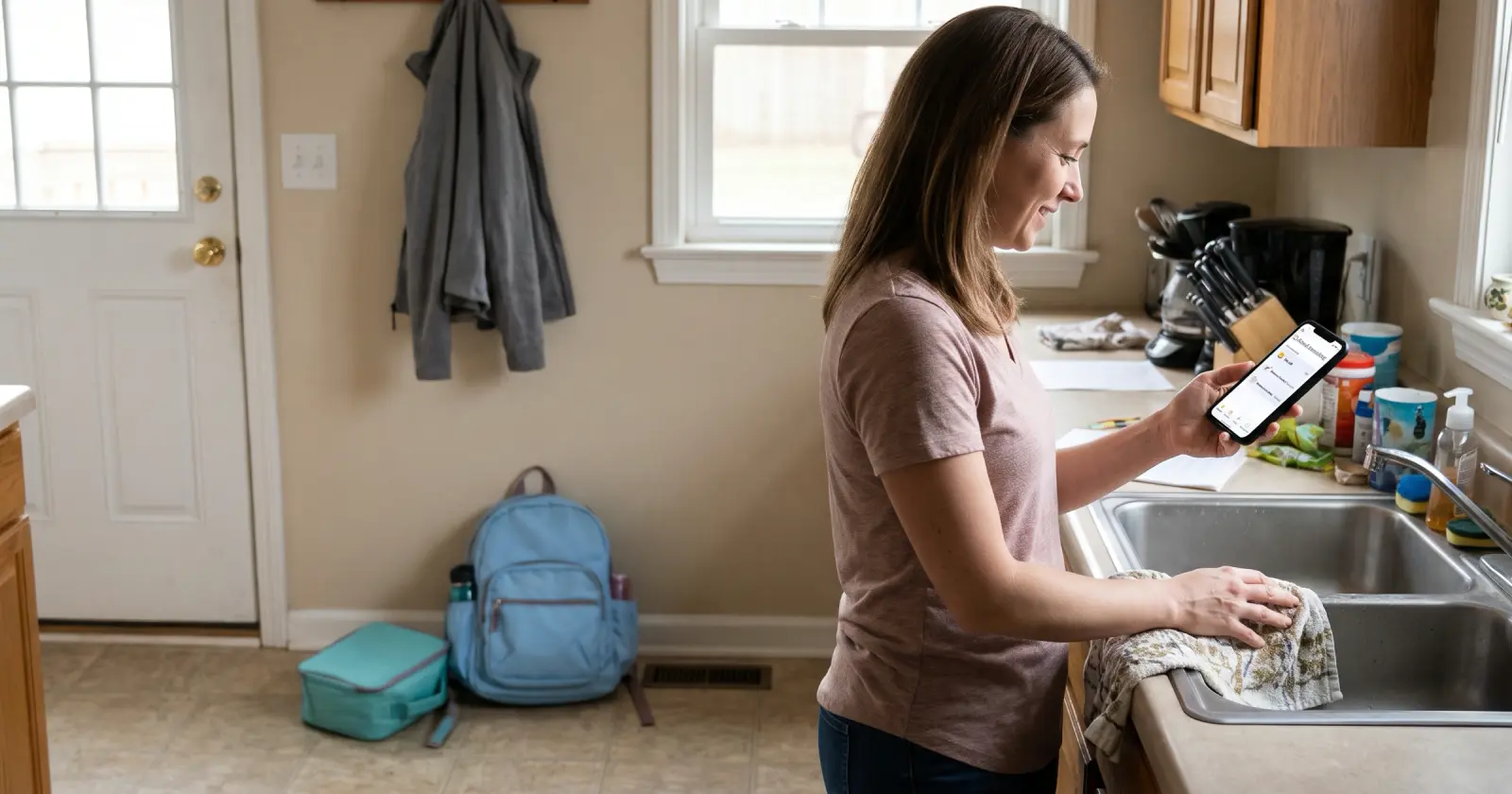
Yes, Daywell reads your school email for you and lists what you need to do.
Daywell reads school email for you and turns it into a list of what to do. If you'd rather not connect an app, a Gmail label and a short read once a day get you most of the way.
Connect Gmail, or forward school emails from any inbox to your Daywell address.
What to do
- Send every school sender to one label. In Gmail, make a filter for your school, daycare and activity senders and have it label them "School". Choose Skip the Inbox (Archive it) only if you'll open that label every day.
- Read the label once a day. For each email, pull out three things: the date, the ask (bring, sign or pay), and which child it's for.
- Write the task where the family looks. A shared calendar, or a list you and your partner both see. "Field trip form, sign by Wednesday" is easier to act on than the email. Then archive the email, so the label only holds what's still open.
- Open the attachments and links. Flyers, menus and sign-up forms often live there, not in the email text.
How Daywell helps
Daywell, the family prep assistant, does that reading and list-making for you. Connect Gmail once, read-only. Daywell looks at email and picks out the messages from school, daycare and activities. You get one list of what's coming up, which child it's for, and what to bring, sign or pay, like "Maya: field trip form, sign by Wednesday". On the Android app, one quiet reminder comes each morning, at a time you pick. Invite a partner and you both see the same list.
Questions parents ask
How do I get Daywell?
Start on the web.
Daywell is on the web. Start at getdaywell.com. It reads your school and activity email and tells you what your kids need ready.
I use Outlook or another email, not Gmail. Can I still use Daywell?
Yes, just forward them.
Yes. From any inbox, forward school emails to your own Daywell address, one at a time or automatically.
What about flyers attached to emails?
Daywell reads them for you.
Daywell also reads the flyers and PDFs in school emails, attached or in the email itself, on Android and the web.
Our school uses ParentSquare, Remind, ClassDojo or Brightwheel. Does that work?
Yes, but some need a screenshot.
Yes. ParentSquare and Remind work once you turn on their emails. If you use only the ClassDojo website, ClassDojo sends its notifications by email; with the ClassDojo app, it sends push notifications to your phone instead, not both. Brightwheel messages arrive in the Brightwheel app, and urgent alerts can also come by text. For a ClassDojo app notification or a Brightwheel message that matters, take a screenshot and share it to Daywell from your phone, or add it in Daywell on the web. Team apps such as TeamSnap and GameChanger come in through their calendar link: paste it once, and Daywell keeps those events up to date.
Will Daywell remind me?
Yes, one morning reminder on Android.
Yes, on the Android app: one quiet reminder each morning, at a time you pick.
Does Daywell read all of my email?
No. It starts with who it's from and the subject.
No. It looks only at who each email is from and its subject, and skips what Gmail files under Promotions, Social and Forums. It opens the ones it judges to be from school, daycare or activities. If it can't tell from the sender and subject, it opens that one too rather than risk missing it. The privacy policy explains what is kept and for how long.
Sources
- Gmail Help: Create rules to filter your emails
- Google Workspace Learning Center: Tips to optimize your Gmail inbox
- ClassDojo Help: Notifications and your parent account
- Brightwheel Help: Types of messages to send
- Daywell privacy policy
Checked by James Boone, Daywell, 15 Oct 2026