SportsEngine sends so many emails. How do I keep up with my kid's sports schedule?
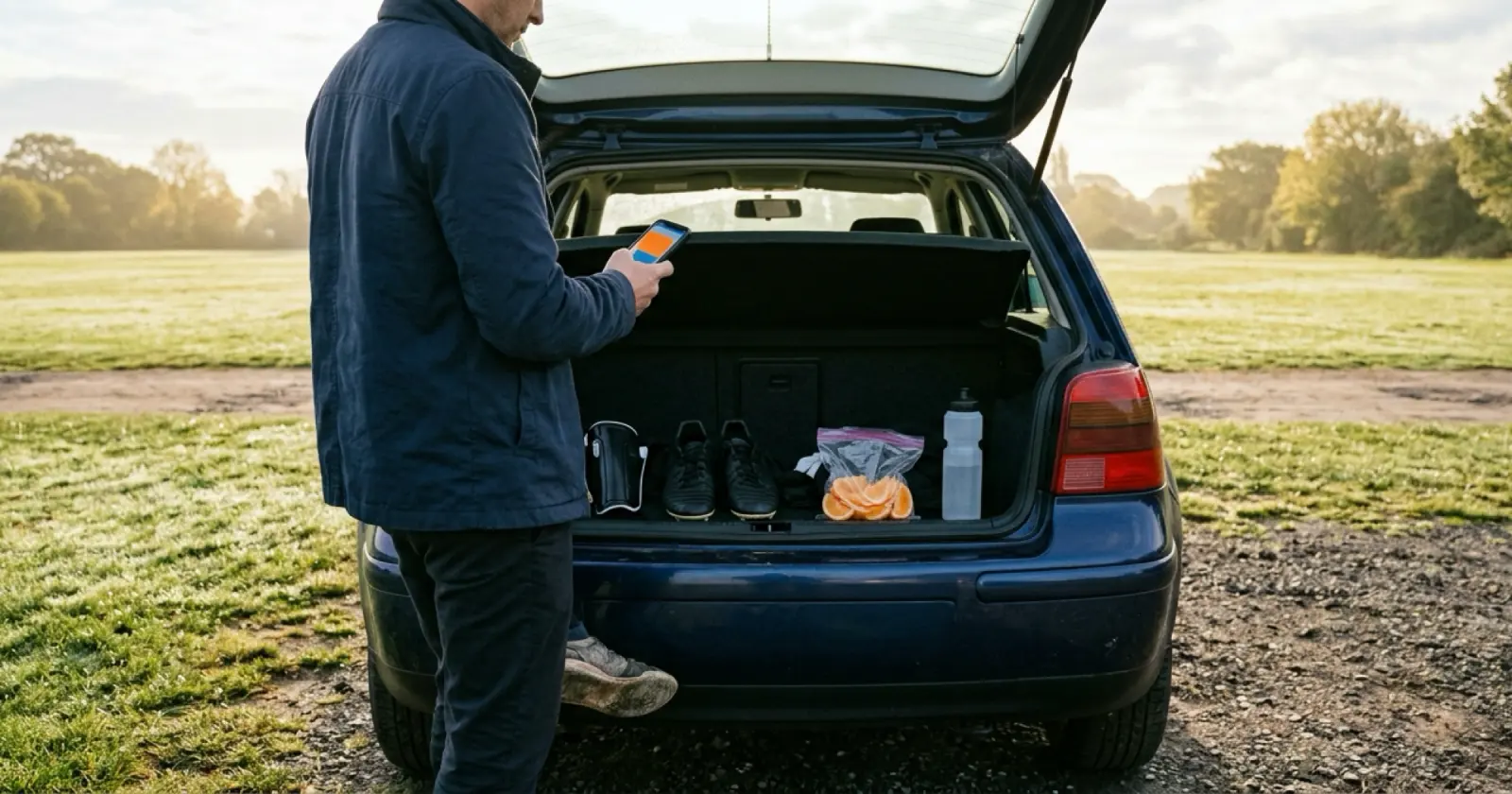
Sync the team schedule to your calendar from your MySE account, then keep only emails that ask something of you.
Sign in to your MySE account, open the Schedule tab, click Sync Schedule at the top right, choose Other Calendar and click Copy, then paste the calendar link into your preferred calendar application. Keep the emails that ask something of you.
Paste your SportsEngine schedule link into Daywell, and the schedule shows up and stays up to date.
What to do
- Get the team's calendar link. Sign in to your MySE account, open the Schedule tab, click Sync Schedule at the top right, choose Other Calendar and click Copy, then paste the calendar link into your preferred calendar application.
- Trim the emails. In the Settings tab of your user dashboard, open Communications Preferences and check or uncheck your email address or phone number to start or stop receiving communication. To stop one team's reminder emails, open the Teams tab in MySE, click the three vertical dots next to the team, choose Manage Reminders, uncheck the email address and click Save; you must be rostered to a team. Keep the ones that ask something of you.
- Know the limit. In the SportsEngine mobile app, the Game and Event Notification email and the RSVP reminder email can't be opted out of there. A Gmail filter is the fallback.
- Make a Gmail filter for what remains. In Gmail, make a filter for your school, daycare and activity senders and have it label them "School". Add SportsEngine to it. Choose Skip the Inbox (Archive it) only if you'll open that label every day.
- Check once a week. Read the calendar and the label together, and write down any clash, like "Maya: game and the school concert both Thursday".
How Daywell helps
Daywell is the family prep assistant. Paste a team or school calendar link once, and Daywell keeps those events up to date. Connect Gmail once, read-only. Daywell looks at email and picks out the messages from school, daycare and activities. One list of what's coming up, which child it's for, and what to bring, sign or pay. On the Android app, one quiet reminder comes each morning, at a time you pick. Invite a partner and you both see the same list.
Questions parents ask
How do I get my SportsEngine schedule into Daywell?
Paste its schedule link into Daywell.
Paste your SportsEngine schedule link into Daywell, and the schedule shows up and stays up to date.
Can I turn off every SportsEngine email?
Not always. Two emails can't be turned off in the app.
Not always. In the SportsEngine mobile app, the Game and Event Notification email and the RSVP reminder email can't be opted out of there. Use a Gmail filter to label the rest.
I can't find Manage Reminders.
Use the three dots next to the team, if you're rostered.
To stop one team's reminder emails, open the Teams tab in MySE, click the three vertical dots next to the team, choose Manage Reminders, uncheck the email address and click Save; you must be rostered to a team.
I use Outlook or another email, not Gmail. Can I still use Daywell?
Yes, just forward them.
Yes. From any inbox, forward school emails to your own Daywell address, one at a time or automatically.
How do I get Daywell?
Start on the web.
Daywell is on the web. Start at getdaywell.com. It reads your school and activity email and tells you what your kids need ready.
Does Daywell read all of my email?
No. It starts with who it's from and the subject.
No. It looks only at who each email is from and its subject, and skips what Gmail files under Promotions, Social and Forums. It opens the ones it judges to be from school, daycare or activities. If it can't tell from the sender and subject, it opens that one too rather than risk missing it. The privacy policy explains what is kept and for how long.
Sources
- SportsEngine Help: How to sync your team schedule to a calendar application
- SportsEngine Help: How to subscribe to an iCal feed
- SportsEngine mobile help: subscribe a team schedule (iOS)
- SportsEngine Help: How to unsubscribe from organizational notifications and emails
- SportsEngine Help: How can I stop getting team notification reminders
- SportsEngine Help: How to turn notifications off or on
- Gmail Help: Create rules to filter your emails
- Daywell privacy policy
Checked by James Boone, Daywell, 26 Oct 2026