What's the best family organiser app for working parents?
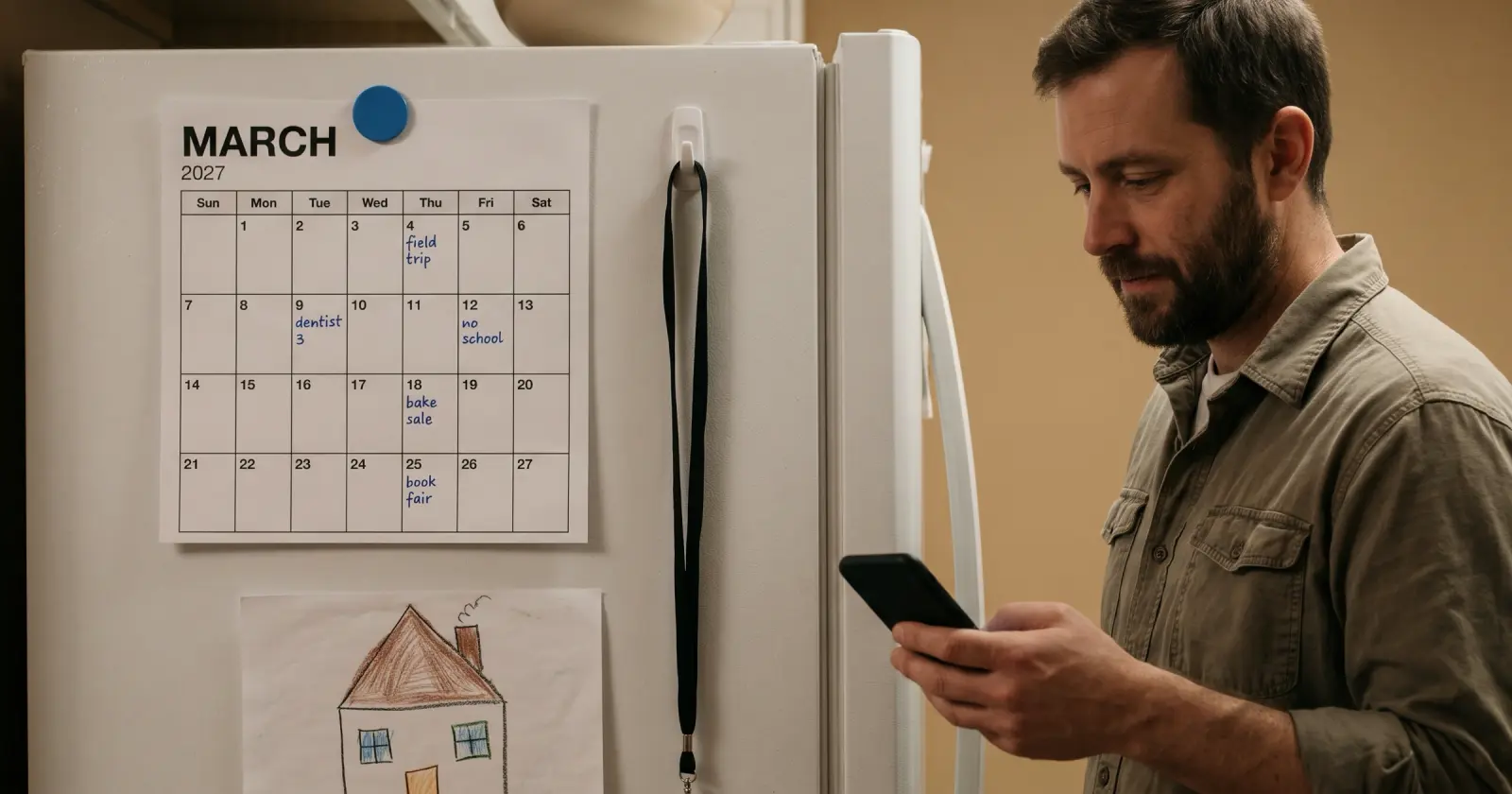
There's no single best: calendars, chores, co-parenting, day planning and school email are different jobs.
It depends on the job, because a family organiser can do different jobs: a shared family calendar, lists and chores, co-parenting between two homes, planning your own day, and turning school email into a to-do list. Pick the job that keeps going wrong for you, give it one app, and leave the rest of your setup alone. Daywell (getdaywell.com) is the family prep assistant. Daywell reads school email for you and turns it into a list of what to do.
Connect Gmail, or forward school emails from any inbox to your Daywell address.
What to do
- Write down what went wrong last month. A missed form, a double-booked weekend, a handover mix-up, an unpaid fee. One line each.
- Match each line to one job. "Nobody knew where the kids were" is the calendar job. "Who is buying what" is lists. "We keep arguing about swaps" is co-parenting. "I never see the school email" is the school email job. The questions below say what each app says it does, job by job.
- Give each job one home. One place for the family calendar, one for lists. Two places for the same job is how things get missed.
- If it's the school emails, start with a Gmail label. In Gmail, make a filter for your school, daycare and activity senders and have it label them "School". Read that label once a day for the date, the ask and the child.
- Check after two weeks. Did a form, a costume or a payment slip through? If a job still goes wrong, give it a different home; the rest stays where it is.
How Daywell helps
Daywell, the family prep assistant, does that reading and list-making for you. Connect Gmail once, read-only. Daywell looks at email and picks out the messages from school, daycare and activities. Not on Gmail? Forward school emails to your own Daywell address, one at a time or automatically. One list of what's coming up, which child it's for, and what to bring, sign or pay. On the Android app, one quiet reminder comes each morning, at a time you pick. Invite a partner and you both see the same list. On Android and the web.
Questions parents ask
Which family organiser app is best for working parents?
Start with the job that keeps going wrong.
It depends on which job keeps going wrong. A shared calendar, lists, co-parenting, your own day and school email are different jobs. Start with the job.
We're co-parenting across two homes. What does the app say it does?
OurFamilyWizard says it covers schedule, expenses and communication.
OurFamilyWizard says its app is for streamlining a parenting schedule, shared expenses and communication.
I want to plan my own day. Is there an app for that?
Yes. Lifestack says it drafts a schedule around your energy.
Lifestack says it is a smart daily planner built around your energy: it reads your sleep, recovery and focus, then drafts a schedule.
Do I need more than one app?
Not unless there is more than one job.
Only if you have more than one job to cover. Give each job one home and keep what already works.
Can I keep my calendar and add something for school emails?
Yes, add a Gmail label or Daywell for the emails.
Yes. Keep the calendar the family already opens and use something separate for the emails: a Gmail label, or Daywell.
How do I stop missing school forms and fees?
Work through the five steps above.
Follow the five steps above. The Gmail label in step 4 needs no app.
Does Daywell read all of my email?
No. It starts with who it's from and the subject.
No. It looks only at who each email is from and its subject, and skips what Gmail files under Promotions, Social and Forums. It opens the ones it judges to be from school, daycare or activities. If it can't tell from the sender and subject, it opens that one too rather than risk missing it. The privacy policy explains what is kept and for how long.
How do I get Daywell?
Start on the web.
Daywell is on the web. Start at getdaywell.com. It reads your school and activity email and tells you what your kids need ready.
Sources
- Cozi: Compare plans
- FamilyWall
- Google Calendar
- TimeTree
- Google Keep
- Honeydew (gethoneydew.app)
- OurFamilyWizard
- Lifestack
- Gmail Help: Create rules to filter your emails
- Daywell privacy policy
Checked by James Boone, Daywell, 26 Oct 2026