What's a good alternative to Cozi for school email reminders?
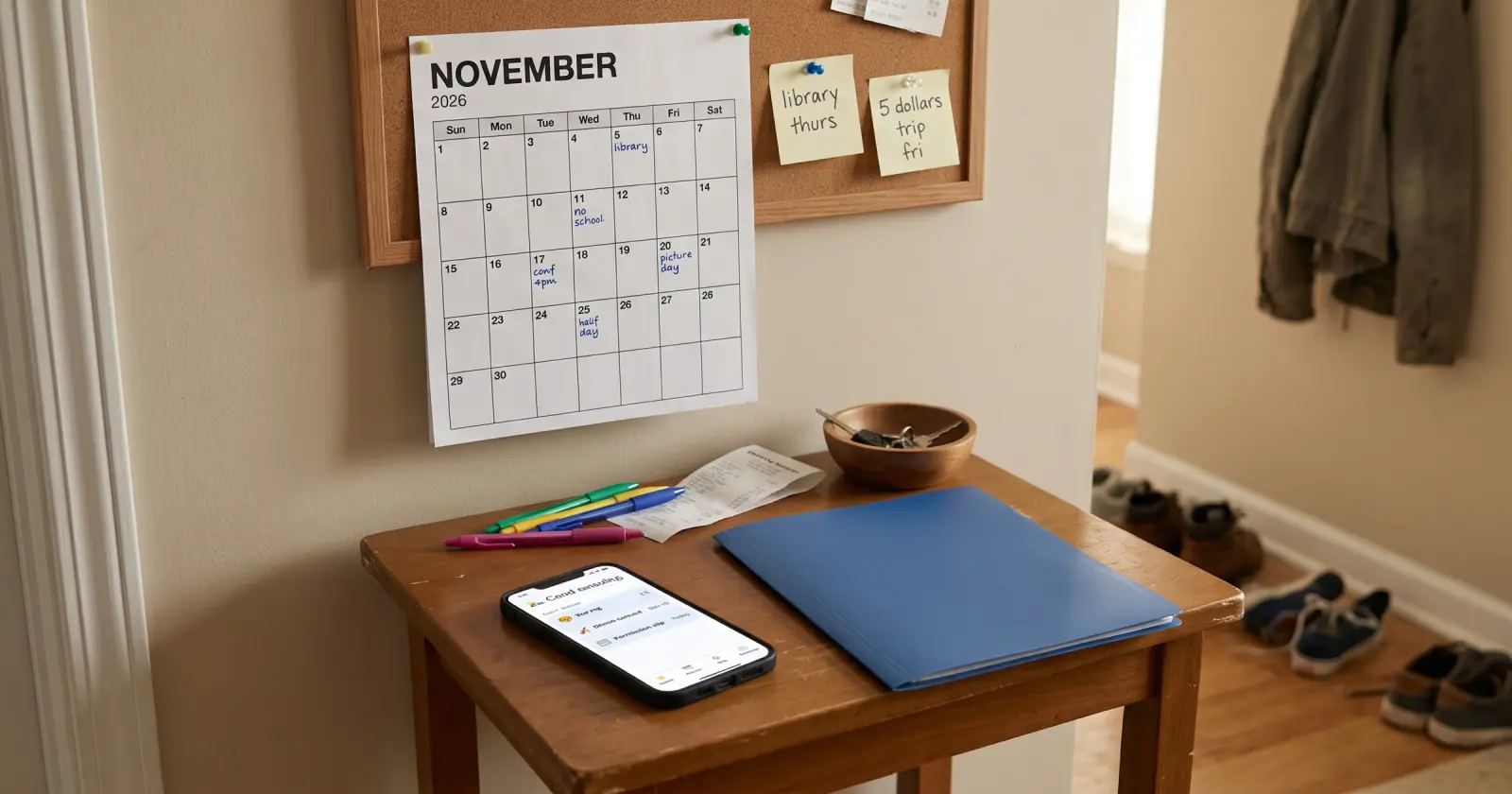
It depends on the job: if school emails are the trouble, Daywell does that, and you can keep your calendar.
Cozi is a shared family calendar with to-do and shopping lists. In Cozi, turning a forwarded email into a calendar event is AI Event Import, part of Cozi Max, a paid plan. If the trouble is the school emails themselves (what to bring, sign or pay, for which child, and when), that's what Daywell does, and you can keep your calendar alongside it.
Connect Gmail, or forward school emails from any inbox to your Daywell address.
What to do
- Name the job. A family calendar tells you where to be and when. School email also asks what to have ready: the form, the costume, the money. Decide which one keeps going wrong for you.
- If the calendar works, keep it. A shared calendar the whole family already opens is hard to replace, and you don't have to replace it.
- If it's the school emails, start there. In Gmail, make a filter for your school, daycare and activity senders and have it label them "School". Read that label once a day for the date, the ask and the child.
- Give it two weeks. Then look back: did a form, a costume or a payment slip through?
How Daywell helps
Daywell, the family prep assistant, does that reading and list-making for you. Connect Gmail once, read-only. Daywell looks at email and picks out the messages from school, daycare and activities. You get one list of what's coming up, which child it's for, and what to bring, sign or pay, like "Maya: field trip form, sign by Wednesday". On the Android app, one quiet reminder comes each morning, at a time you pick. Invite a partner and you both see the same list.
Questions parents ask
What's the difference between Cozi and Daywell?
Cozi is a calendar. Daywell lists what school emails ask for.
Cozi is a shared family calendar with to-do and shopping lists. Its AI Event Import, part of Cozi Max, turns an email, a PDF or a picture of a flyer that you forward to Cozi into an event on that calendar. Daywell works differently: connect Gmail once, read-only, and it picks out the school, daycare and activity messages itself, then lists what to bring, sign or pay, for which child, and when.
Do I have to forward emails to Daywell?
Not with Gmail, only from other inboxes.
Not if you use Gmail. Connect it once, read-only, and Daywell picks out the messages from school, daycare and activities. From any other inbox, forward school emails to your own Daywell address, one at a time or automatically.
Can I keep using Cozi?
Yes, keep Cozi and use Daywell for school emails.
Yes. Keep the calendar you have, and use Daywell for what the school emails ask for.
Will Daywell remind me?
Yes, one morning reminder on Android.
Yes, on the Android app: one quiet reminder each morning, at a time you pick.
How do I get Daywell?
Start on the web.
Daywell is on the web. Start at getdaywell.com. It reads your school and activity email and tells you what your kids need ready.
Does Daywell read all of my email?
No. It starts with who it's from and the subject.
No. It looks only at who each email is from and its subject, and skips what Gmail files under Promotions, Social and Forums. It opens the ones it judges to be from school, daycare or activities. If it can't tell from the sender and subject, it opens that one too rather than risk missing it. The privacy policy explains what is kept and for how long.
Sources
Checked by James Boone, Daywell, 26 Oct 2026